


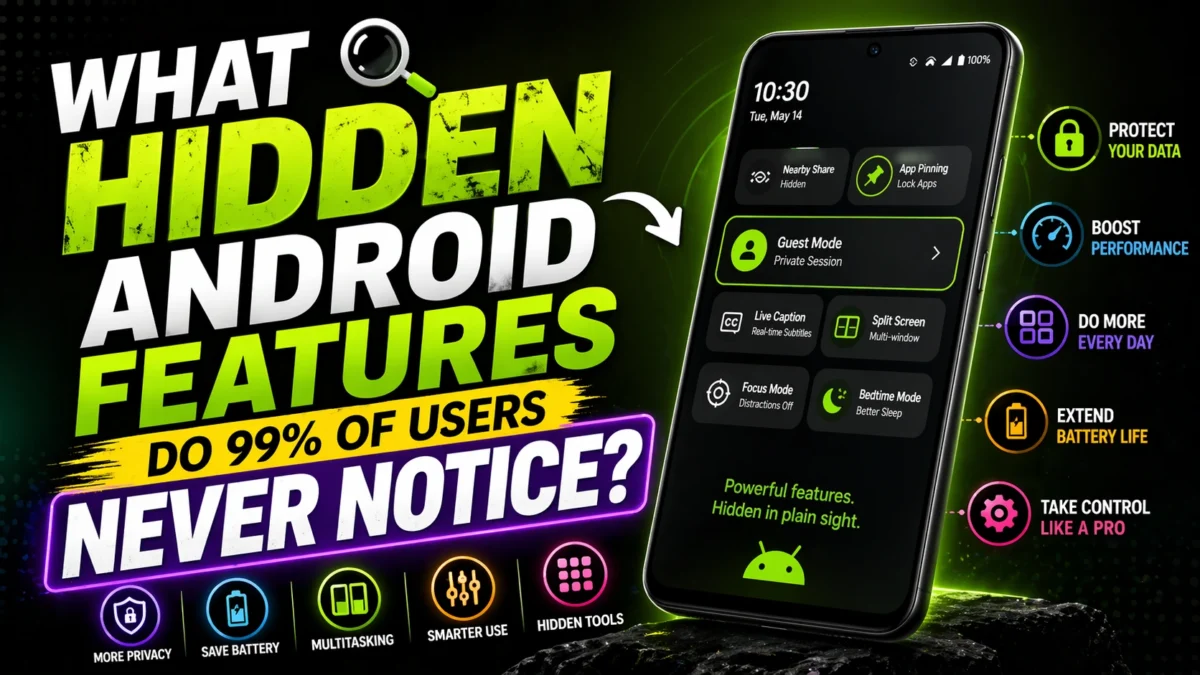
Hidden Android Features that Improve Privacy, Productivity, and Battery Performance

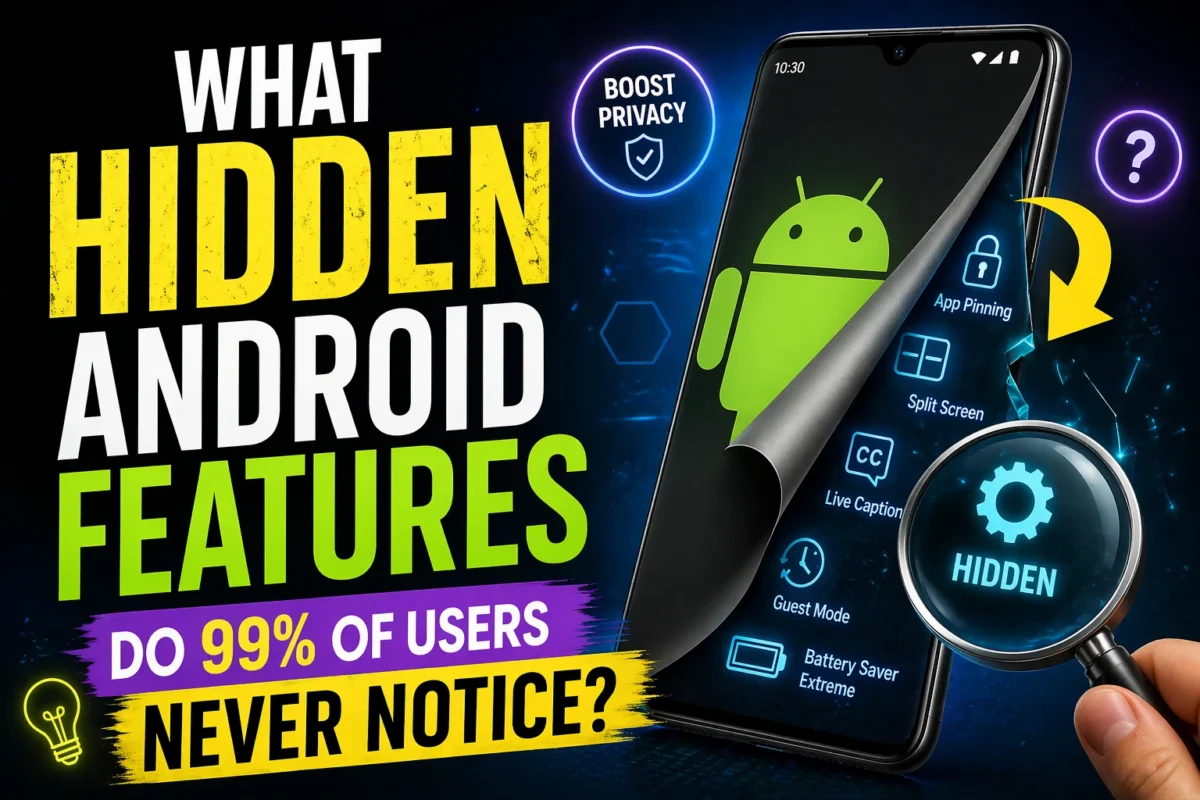
Modern Android smartphones contain a wide range of powerful system tools that many users never discover. While most people rely primarily on messaging apps, social media platforms, and web browsing, Android also includes sophisticated features designed to strengthen privacy, improve multitasking, enhance accessibility, and extend battery life.@Hidden Android Features
This guide examines the most valuable hidden Android features, explains why they matter, and provides practical steps for using them effectively.
Executive Summary: The Most Underrated Android Feature
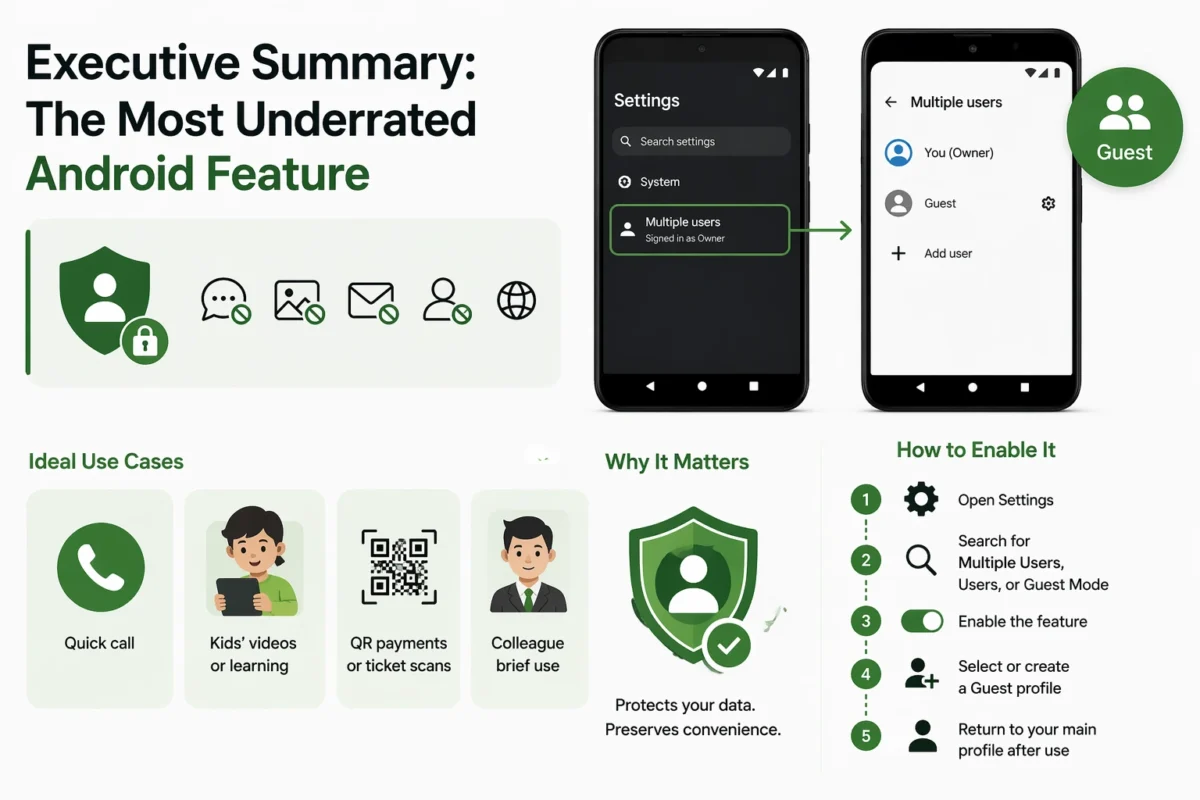
Among Android’s least recognized yet most useful tools is Guest Mode / Multiple User Profiles. This feature allows temporary device sharing without exposing the owner’s messages, photos, accounts, applications, or browsing history.
Ideal Use Cases
- Lending your phone for a quick call
- Allowing a child to watch videos or educational content
- Sharing access for QR-code payments or ticket scans
- Letting a colleague use the device briefly
Why It Matters
Guest Mode creates a separate user environment that protects personal data while preserving convenience.
How to Enable It
- Open Settings.
- Search for Multiple Users, Users, or Guest Mode.
- Enable the feature.
- Select or create a Guest profile.
- Return to your main profile after use.
Additional Hidden Android Features with High Practical Value
1. App Pinning (Single-App Locking)
App Pinning restricts the device to one selected application until manually unlocked. It is highly effective when limited access is required.
Best Uses
- Children watching videos safely
- Sharing maps or calculator access
- Displaying photos or presentations without exposing other apps
How to Activate
- Go to Settings > Security.
- Enable App Pinning.
- Open the desired app.
- Pin it through the recent apps menu.
![pinned app screen]](https://namastevishwa.com/wp-content/uploads/2026/04/ChatGPT-Image-Apr-24-2026-07_37_40-PM-1200x800.webp "What Hidden Android Features Do 99% of Users Never Notice? 3")
2. Split Screen Multitasking
Split Screen allows two applications to run simultaneously, making smartphones significantly more productive.
Useful Combinations
- YouTube + Notes
- Chrome + WhatsApp
- Calculator + Banking App
- PDF Reader + Email
This feature is especially valuable for students, researchers, teachers, and professionals handling multiple tasks.
3. Live Caption and Accessibility Tools
Live Caption automatically generates captions for supported audio and video content.
Best Situations for Use
- Traveling on noisy buses, trains, or metros
- Watching videos silently in public spaces
- Improving understanding of lectures or English-language content
This feature supports both accessibility and learning.
4. Digital Wellbeing and Screen-Time Control
Digital Wellbeing helps users monitor device usage and reduce unproductive screen habits.
Core Features
- App timers
- Focus Mode
- Bedtime Mode
- Notification management tools
As digital distractions increase, this feature has become more valuable than ever.
5. Adaptive Battery and Power Optimization
Many Android phones use machine learning to understand usage habits and prioritize battery power accordingly.
Key Benefits
- Longer battery life during travel
- Less drain from background apps
- Better standby performance during outages or long commutes
Indian Use Cases and Everyday Relevance
Ramesh, a university student in Jaipur, often shared his phone to provide hotspot access. After enabling Guest Mode, he could protect private messages, study materials, and family photos while still helping classmates.
Priya, a school teacher in Pune, uses Split Screen to conduct online classes while reviewing lesson notes at the same time. This has improved efficiency and reduced constant app switching.
These examples show how small software changes can create meaningful real-world benefits.
Why Most Users Never Discover These Features
Several factors explain why adoption remains low:
- Settings menus are increasingly complex
- Many users focus only on third-party apps
- Manufacturers rename features across brands
- Updates introduce new tools without clear guidance
- Users often underestimate built-in system functions
Recommendation
Use the search bar inside Settings to locate hidden features quickly.
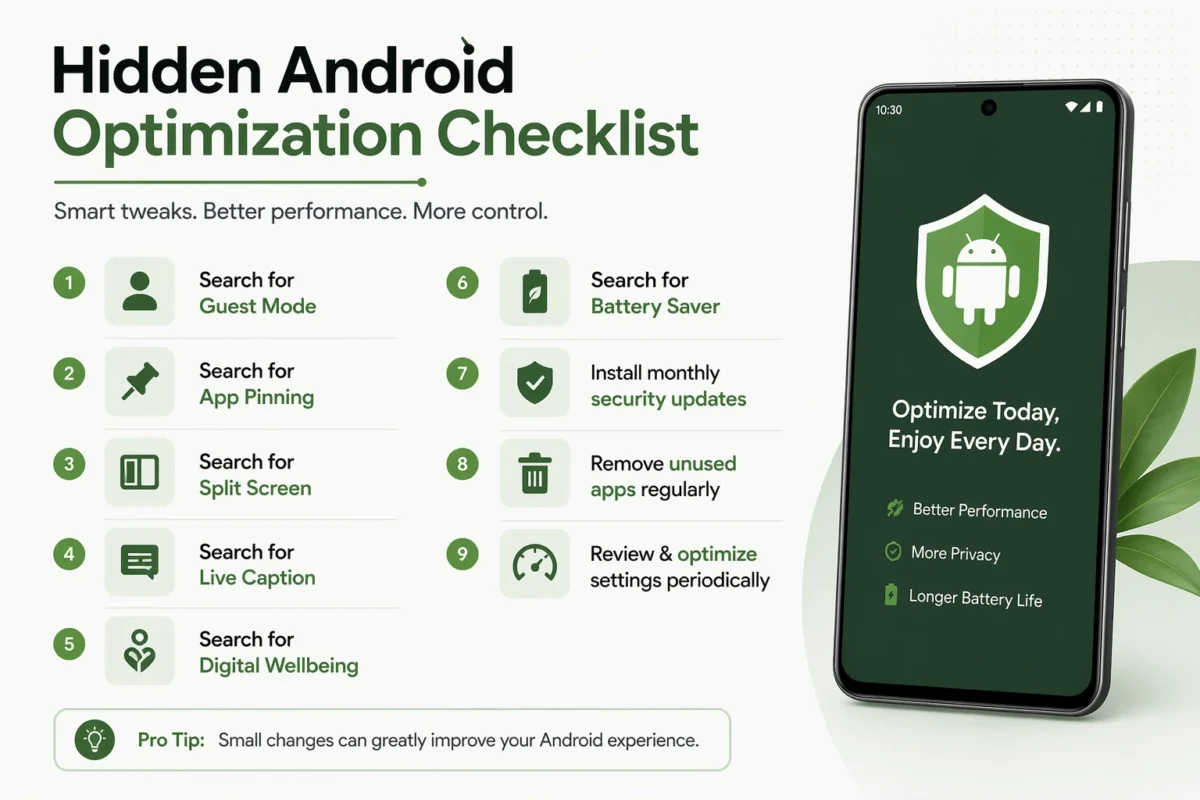
Hidden Android Optimization Checklist
- Search for Guest Mode
- Search for App Pinning
- Search for Split Screen
- Search for Live Caption
- Search for Digital Wellbeing
- Search for Battery Saver
- Install monthly security updates
- Remove unused apps regularly
Advanced Best Practices for Power Users
- Revoke permissions for unused applications.
- Disable constant location access when unnecessary.
- Use biometric security with a strong passcode.
- Maintain automatic cloud backups.
- Keep at least 15–20% storage free for smooth performance.
- Review notifications to reduce distraction.
- Restart the device periodically to refresh background processes.
Frequently Asked Questions
What is the most useful hidden Android feature?
For many users, Guest Mode is the most practical because it combines convenience with strong privacy protection.
How can I find hidden Android settings quickly?
Use the built-in search bar in the Settings app and type the feature name.
Are these features available on every Android phone?
Most are widely available, but names and locations may differ across Samsung, Xiaomi, OnePlus, Vivo, Oppo, and other brands.
Can hidden settings improve battery life?
Yes. Adaptive Battery, Battery Saver, and background process controls can significantly improve endurance.
Conclusion
Android is far more capable than many users realize. Some of its greatest strengths are located not in downloadable apps, but within the operating system itself. Guest Mode remains one of the most practical examples because it enables device sharing without sacrificing privacy.
#Hidden Android Features
At the same time, App Pinning, Split Screen, Live Caption, Digital Wellbeing, and Adaptive Battery each improve everyday usability in meaningful ways. Users who spend even ten minutes exploring system settings often unlock benefits that last for months or years.@Hidden Android Features
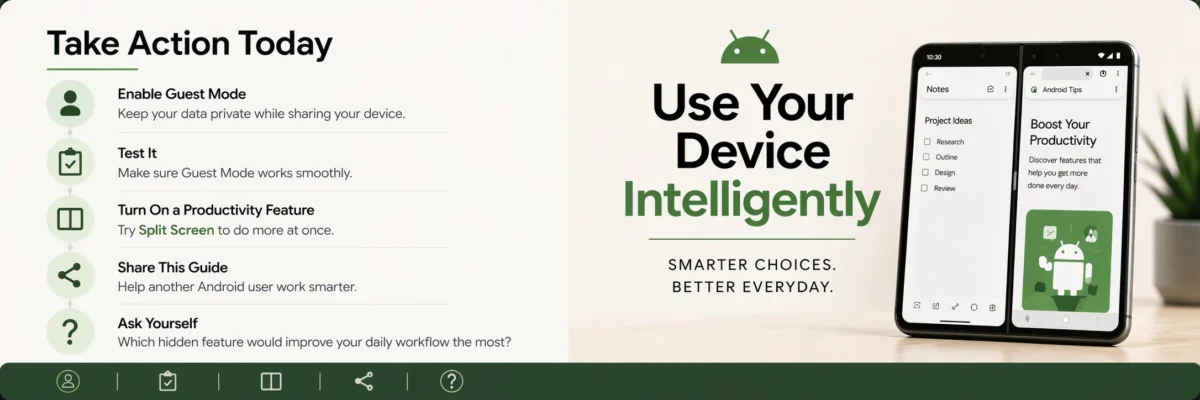
Take Action Today
- Enable Guest Mode and test it.
- Turn on one productivity feature such as Split Screen.
- Share this guide with another Android user.
- Ask yourself: Which hidden feature would improve your daily workflow the most?
- Read next: Advanced Android Battery Optimization Strategies for 2026.

You May Also Read:
Sarkari Yojana-Sarkari Yojana
Job Opportunities-Job Opportunities


Hardik Maurya
I am a dedicated news blogger and writer with 5 years of experience in the field. My goal is to provide you with clear, honest, and well-researched information on the news that matters most.
I specialize in breaking down complex government schemes, tech updates, and current events into simple language. I believe that everyone deserves access to reliable news they can actually use, which is why I prioritize accuracy and transparency in every article I write for this blog.